 020 8004 8625
 contact@dsar.ai
OneDrive and SharePoint: Common DSAR Mistakes
Summary
OneDrive and SharePoint can contain large amounts of personal data across shared folders, sites and documents. This article highlights common DSAR mistakes, including incomplete searches, duplicate files and missed third-party information, and explains why thorough discovery and review are essential for an effective DSAR response.
OneDrive and SharePoint: Common DSAR Mistakes
OneDrive and SharePoint are often at the heart of an organisation’s document storage, but they can also make DSARs more complicated than expected.
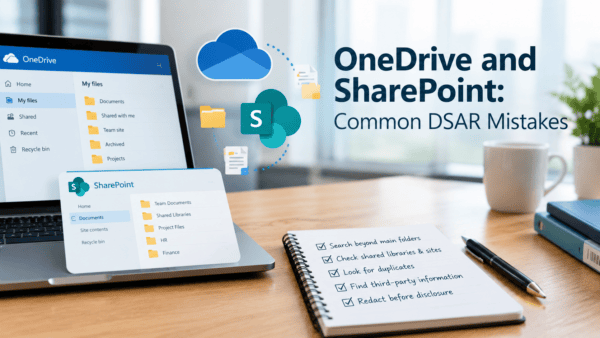
A common mistake is searching only the obvious folders or documents. Personal data can be spread across shared libraries, archived folders, team sites, OneDrive accounts and documents shared between colleagues.
Another challenge is duplicate and outdated information. Without proper discovery and filtering, organisations may spend unnecessary time reviewing multiple copies of the same files—or accidentally overlook relevant information.
Access permissions can also create problems. Documents stored in SharePoint may contain personal data about several people, meaning third-party information needs to be carefully reviewed and appropriately redacted before disclosure.
A thorough DSAR process should therefore look beyond an individual’s main folder and consider the wider OneDrive and SharePoint environment. Good discovery, de-duplication and review can make the process faster, more accurate and easier to manage.


